
Appearance
Smart Matches
Smart Matches is where ResearchConnectX's AI shows you research opportunities tailored to your expertise — based on your subject areas, publications, linked profiles and research interests.
Open it from the sidebar (Smart Matches) or from the dashboard's View All Matches button.
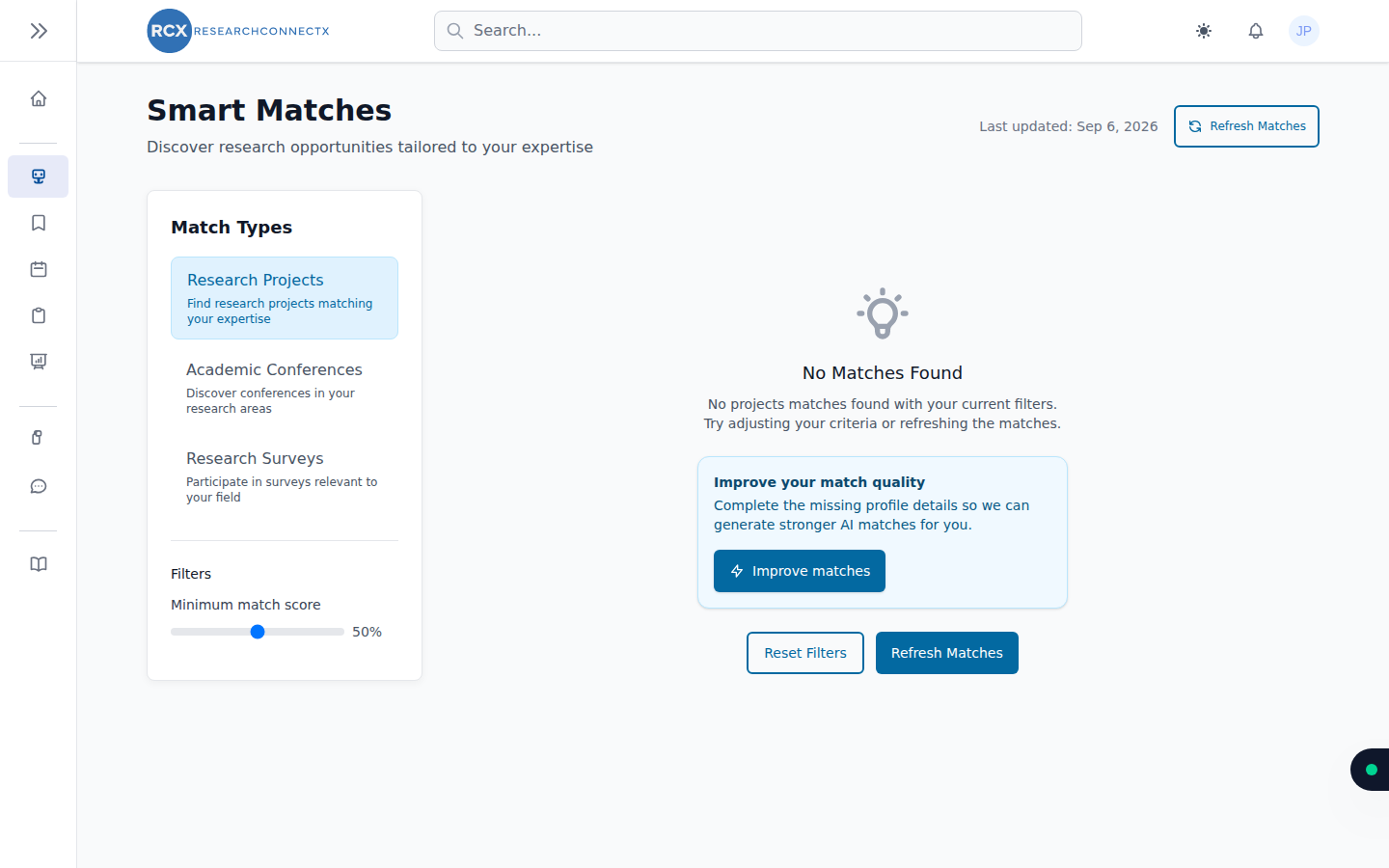
The three match types
The Match Types panel on the left switches between:
- Research Projects — projects looking for collaborators with your skills
- Academic Conferences — conferences in your research areas
- Research Surveys — surveys relevant to your field that you can take part in
Each type shows a count of your current matches.
Refreshing your matches
Matches are generated asynchronously by the AI. Click Refresh Matches (top right) to generate a fresh set — the page shows progress and a Last updated timestamp so you know how current the list is.
Free plan limits
Fresh AI generations are limited on the Free plan — the page shows how many you have left. Once you've used them, your existing matches still load; you'll just need to wait (or upgrade to Pro) for new generations.
Improve your match quality
If your profile is missing key details, you'll see an Improve matches prompt. It lists what's missing (institution, linked profiles, research interests, subject areas) and lets you complete it right there — the AI then regenerates your matches.
You can also work through your profile score checklist at any time.
Filtering conferences
For conference matches, you can filter by:
- Month — when the conference takes place
- Location — local (your country) vs international
- Online — include virtual conferences
Use Reset Filters to clear everything, and the minimum match score slider to raise or lower the relevance bar.
Working with a match
Each match card offers:
- View — full details in a pop-up. For projects, this is where you can Request to Join; for conferences, add to your calendar.
- Save — bookmark it to your Saved Matches for later.
- Hide — dismiss it so it stops appearing in your list.
Use Load more at the bottom of the list to page through further matches.