
Appearance
The onboarding wizard
The first time you sign in, the Complete Your Profile wizard appears. Its five steps set up the information ResearchConnectX's AI needs to match you with relevant projects, conferences and surveys. It takes about five minutes — and you can skip steps and come back to them later from your settings.
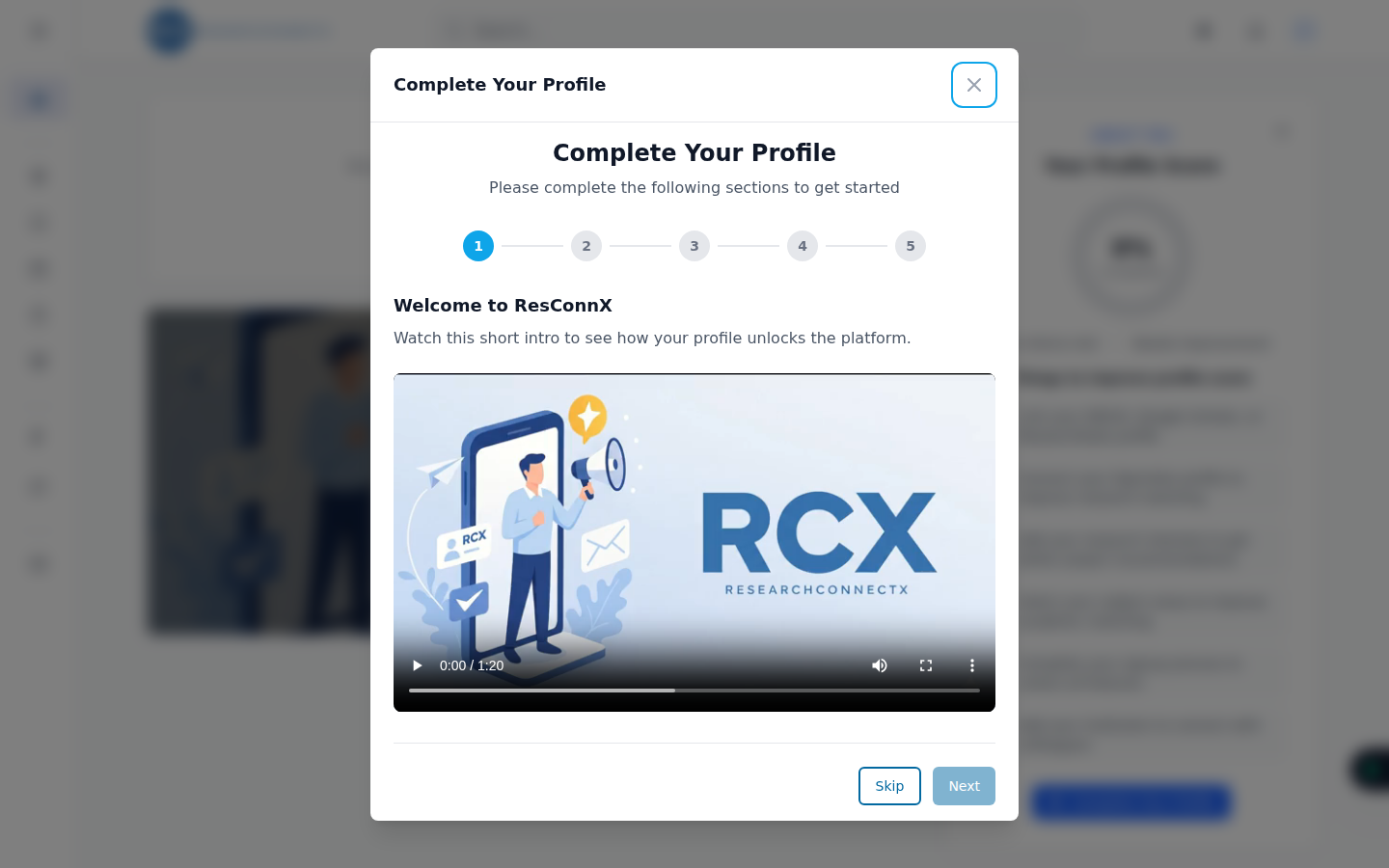
Step 1: Welcome
A short intro video explaining how your profile unlocks the platform. Watch it, or press Skip to jump straight in.
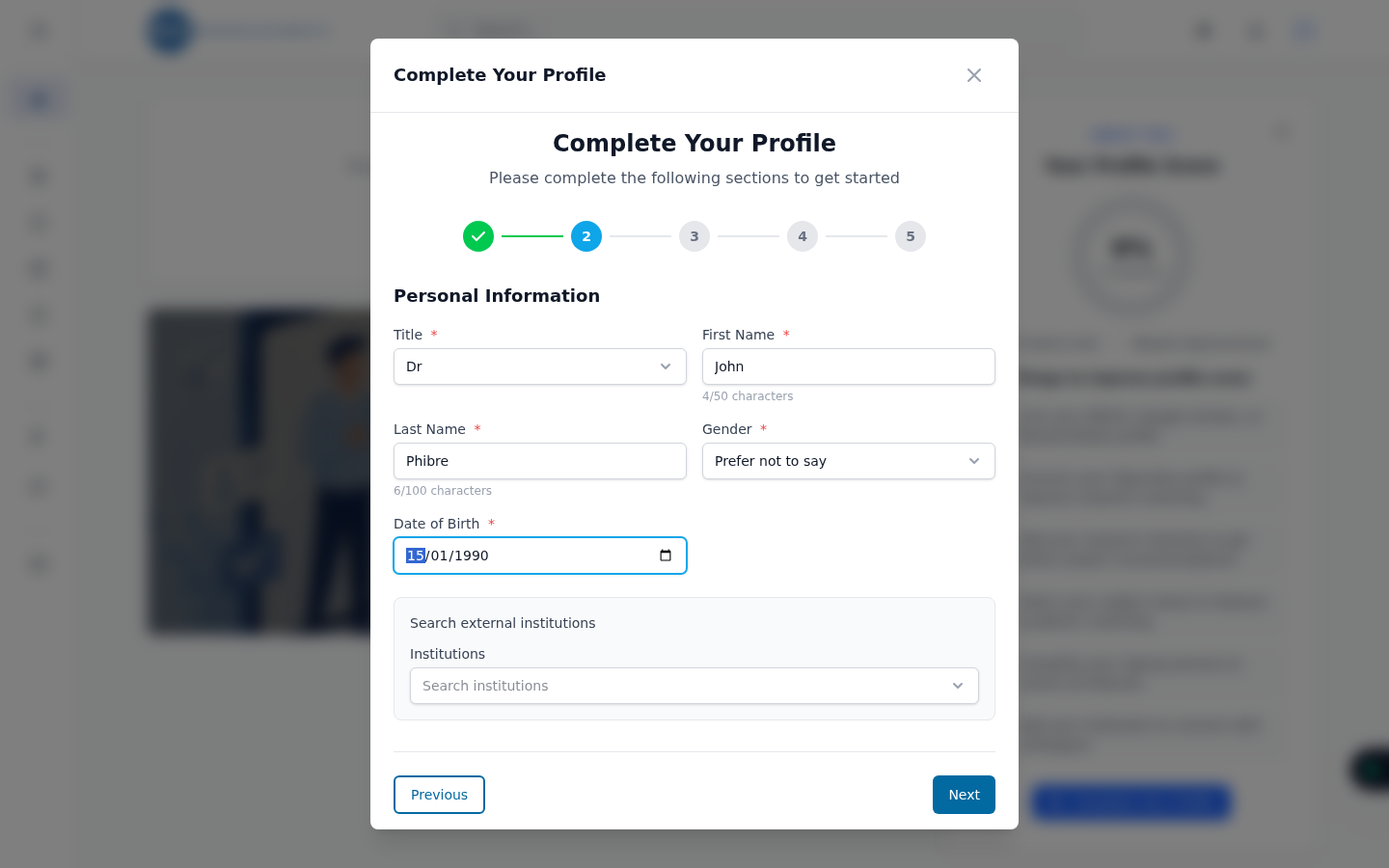
Step 2: Personal information
The basics about you:
- Title, first name and last name
- Gender and date of birth
- Institution — start typing and you can search thousands of institutions via OpenAlex, so your profile is linked to the right organisation
Step 3: OpenAlex profile
OpenAlex is an open index of researchers and their publications. Linking your OpenAlex author profile lets ResearchConnectX automatically import your publications, citations and topics — the single biggest boost to your match quality.
You can either search for your profile by name or paste your OpenAlex URL (it looks like https://openalex.org/authors/A5047408522).
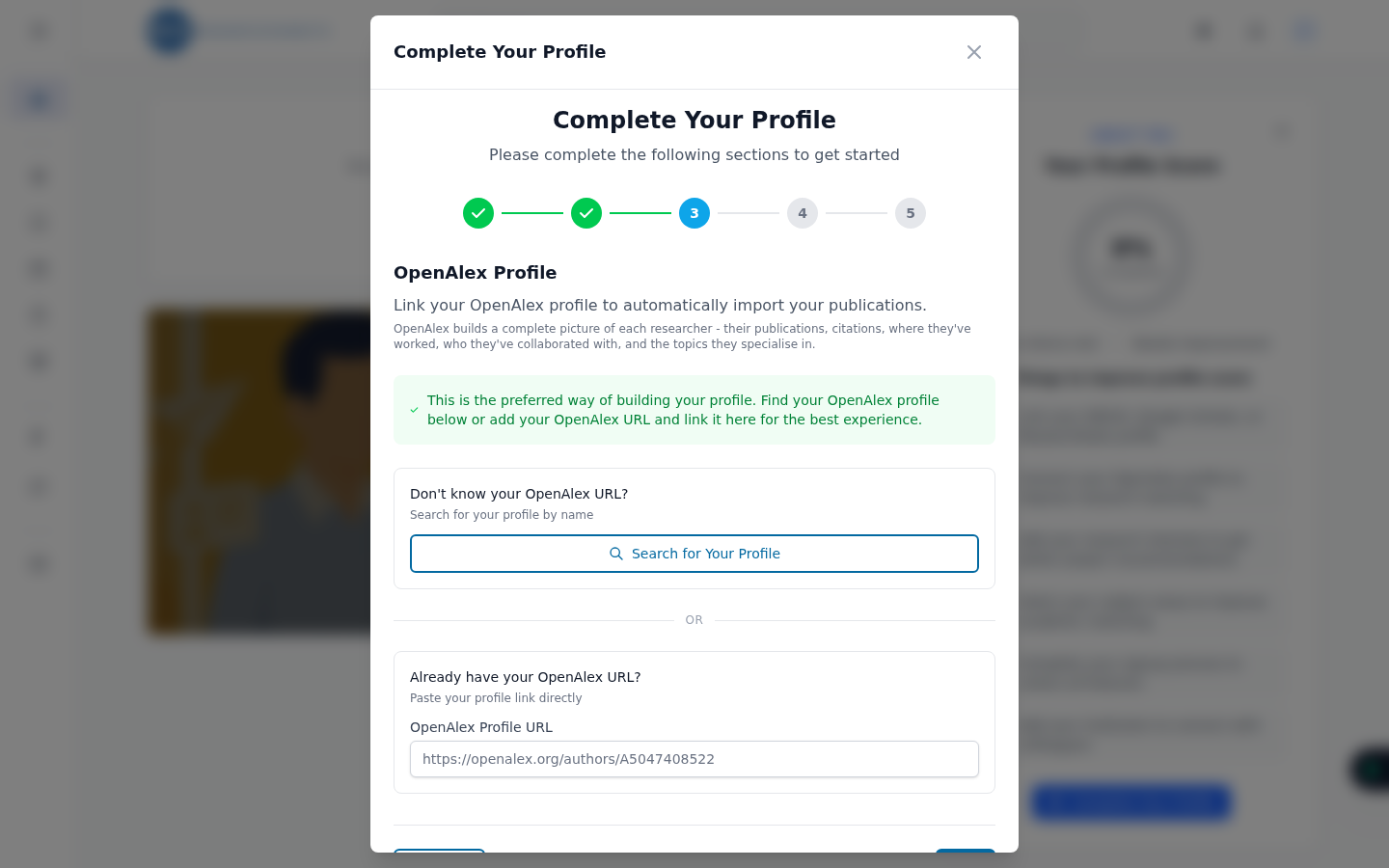
Don't have an OpenAlex profile, or can't find yours? Press Skip — you can always link it later from Linked profiles.
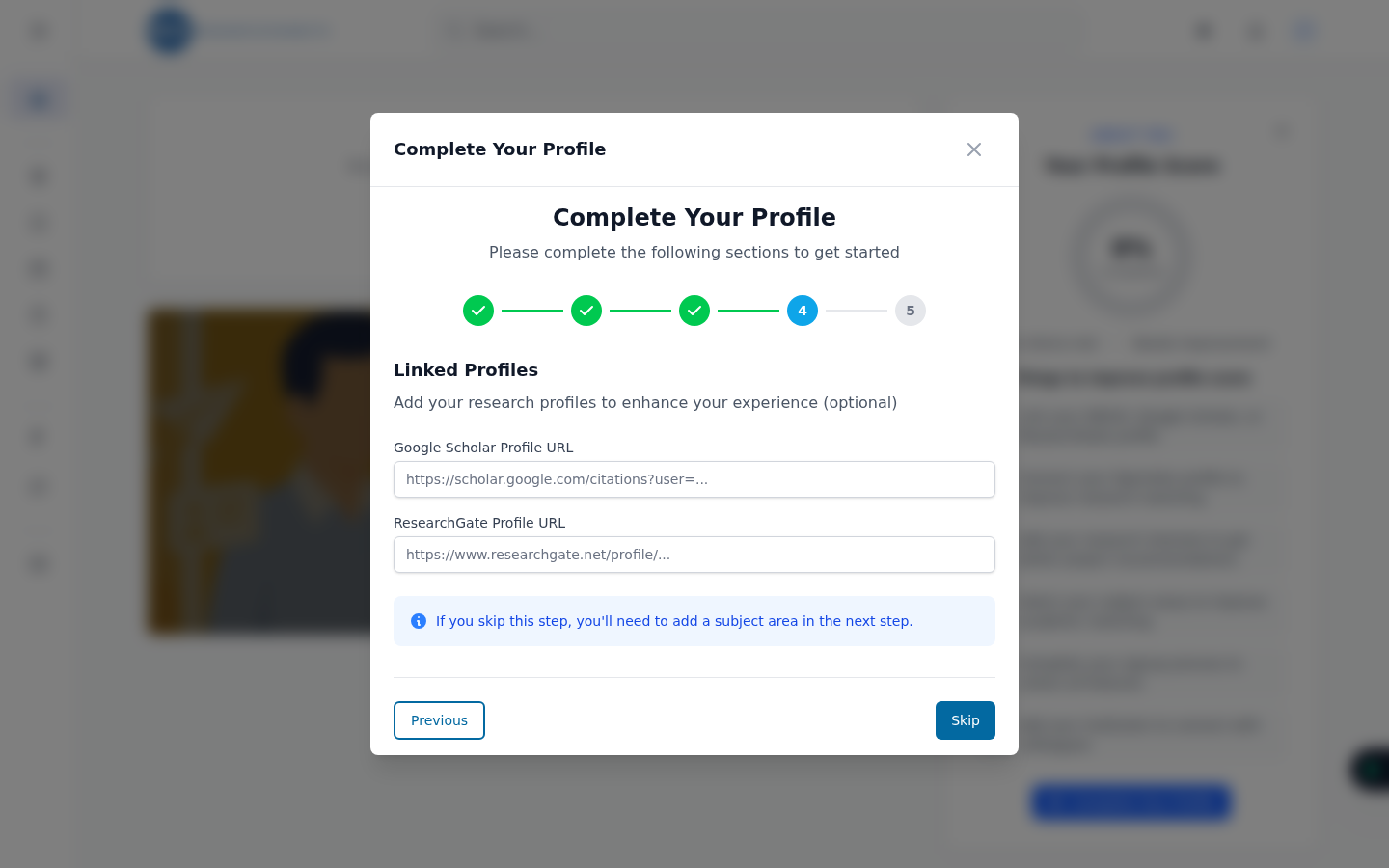
Step 4: Linked profiles
Connect your other research profiles:
- ORCID
- Google Scholar
- ResearchGate
- PubMed
Each one helps the AI build a richer picture of your expertise. Paste the URL of each profile you have, or skip and add them later.
Step 5: Subject areas
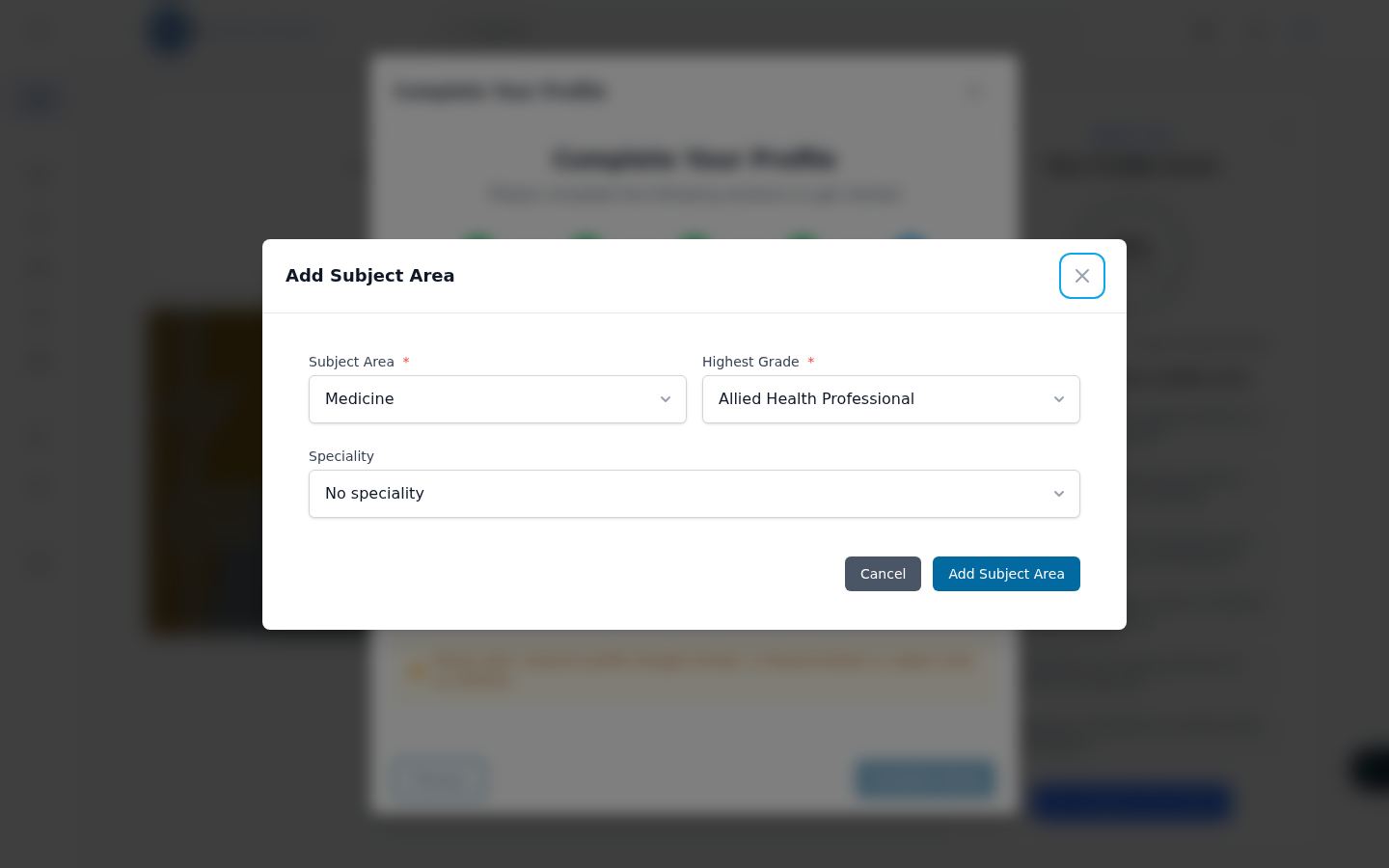
Tell us what you research. Click Add Subject Area, then choose:
- A subject area (e.g. Medicine)
- Your highest grade (e.g. Consultant, Junior Resident)
- A speciality (e.g. Emergency Medicine)
You can add more than one subject area — each one refines your matches further.
One thing is required
You'll need to add at least one subject area or one research profile (Google Scholar or ResearchGate) before you can finish. Everything else is optional.
You're all set!
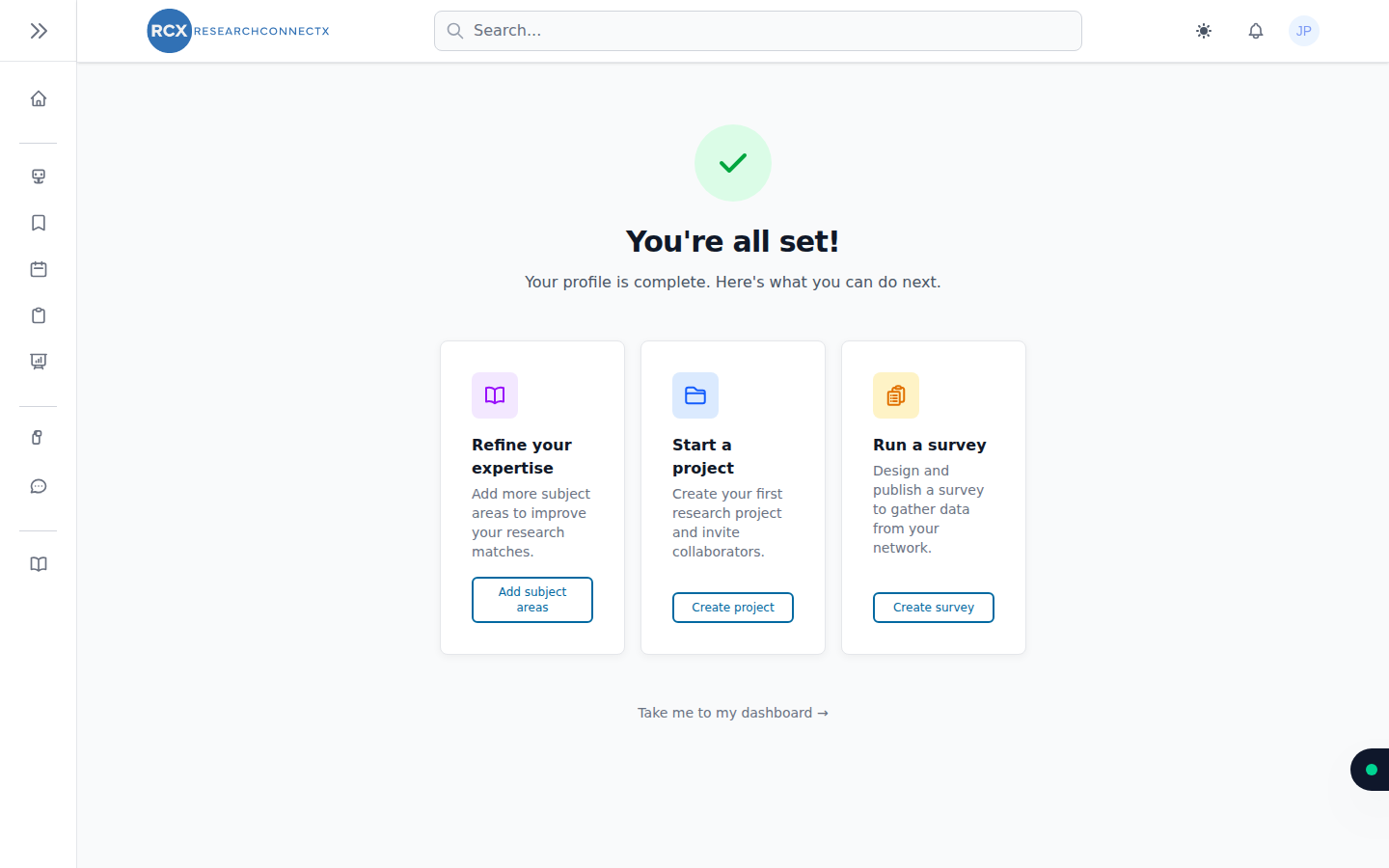
After the final step you'll land on the welcome page, with three suggested next steps:
- Refine your expertise — add more detail in your academic settings
- Start a project — create your first research project
- Run a survey — build and distribute a survey
Or head straight to your dashboard and start exploring.