
Appearance
Linking external profiles
ResearchConnectX connects to the research platforms you already use. Each linked profile enriches your AI profile, keeps your publications up to date, and improves your Smart Matches.
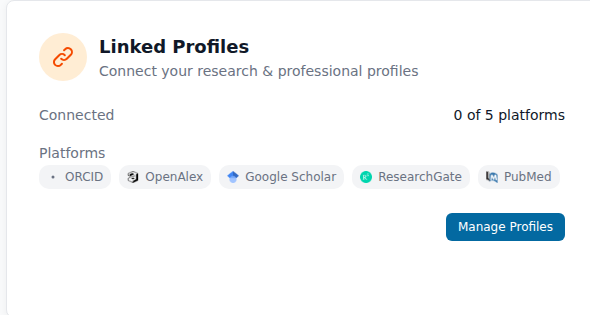
You can connect up to five platforms:




…plus ORCID, your researcher iD.
How to link a profile
- Go to Settings → Linked Profiles → Manage Profiles.
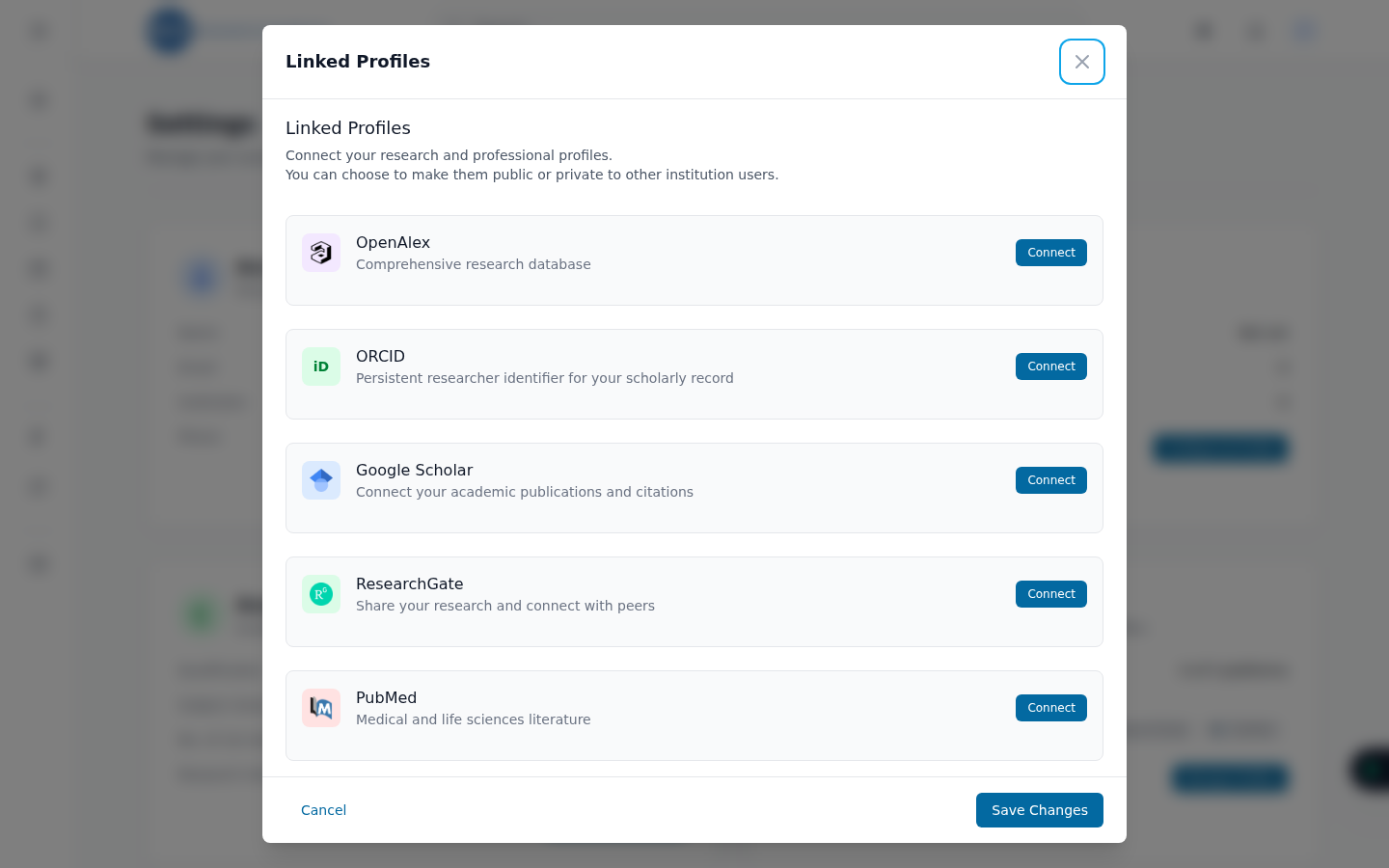
- Click Connect on the platform you want to link, then paste the URL of your public profile (or search by name, where offered).
- Save — ResearchConnectX verifies the link and starts syncing in the background.
Profile URLs look like this:
| Platform | Example URL |
|---|---|
| OpenAlex | https://openalex.org/authors/A5047408522 |
| ORCID | https://orcid.org/0000-0002-1825-0097 |
| Google Scholar | https://scholar.google.com/citations?user=… |
| ResearchGate | https://www.researchgate.net/profile/… |
| PubMed | Your PubMed author/search URL |
Start with OpenAlex
If you only link one thing, make it OpenAlex. It's the preferred source for building your profile and automatically imports your publications, citations and topics.
What gets synced
Once linked, ResearchConnectX aggregates your publications and citation metrics from the connected platforms and folds them into your AI profile and match calculations. Syncing runs in the background — new publications can take a little while to appear.
Unlinking
You can disconnect a platform at any time from the same Manage Profiles screen. Data already imported (like publications) stays on your profile — you can remove individual publications from the publications page.