
Appearance
Saved matches
Bookmark any match from Smart Matches and it lands here — Saved Matches is your shortlist of opportunities to come back to.
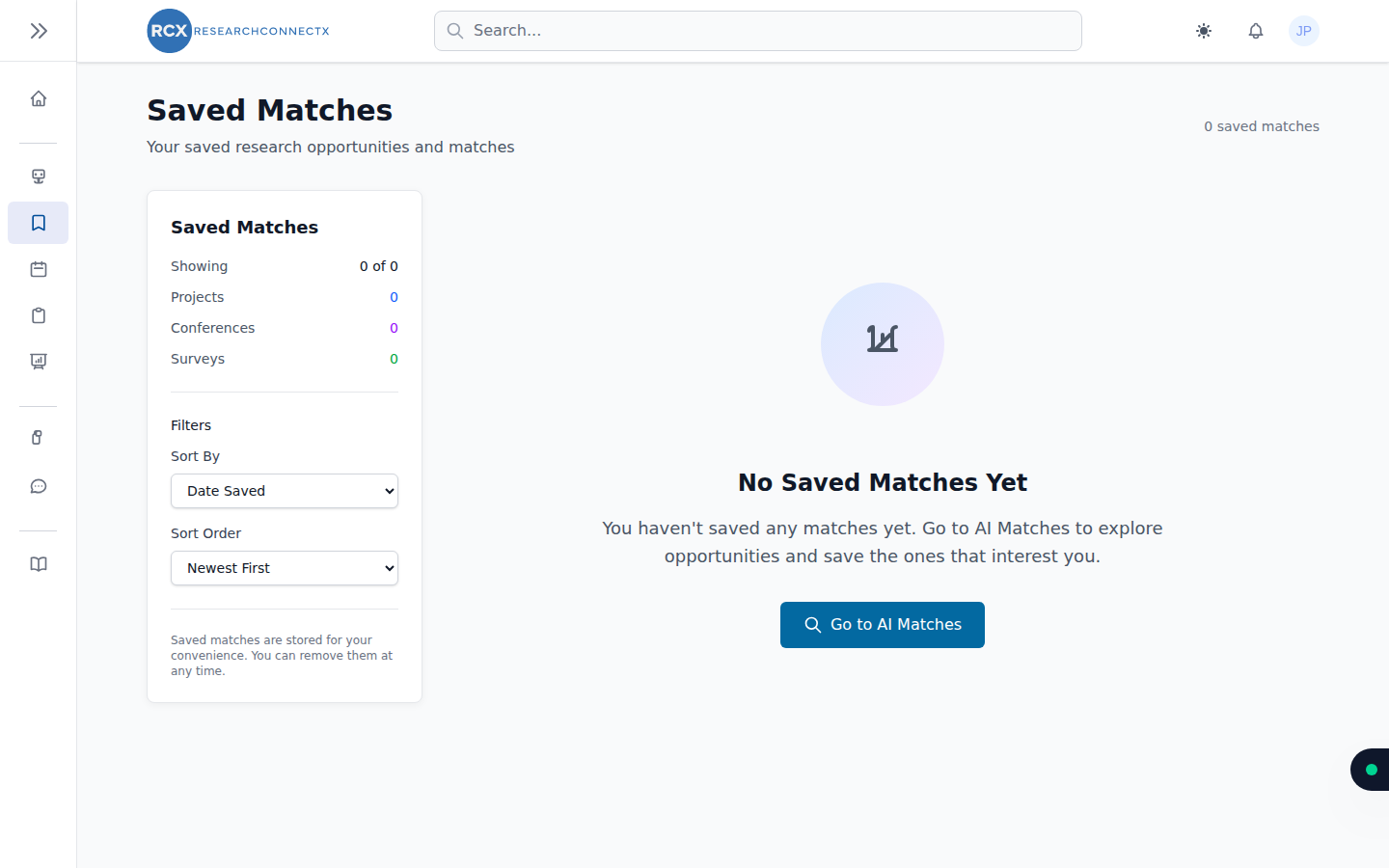
Viewing your saved matches
Open Saved Matches from the sidebar. The summary panel shows how many you've saved of each type — Projects, Conferences and Surveys — and you can sort the list by date saved (newest or oldest first).
Click View on any card to open the full details — the same detail view as Smart Matches, so you can still request to join a project or add a conference to your calendar from here.
Removing a saved match
Changed your mind? Click Remove on a card and confirm. The match is taken off your saved list — it may still appear in Smart Matches if it remains relevant (hide it there if you don't want to see it again).
TIP
Saved matches are just for your convenience — saving doesn't notify the project owner or affect your matches. To actually get involved, use Request to Join on a project or respond to a survey.