
Appearance
Surveys overview
ResearchConnectX's survey system lets you build professional research surveys, distribute them to exactly the right researchers, and analyse the responses — all in one place.
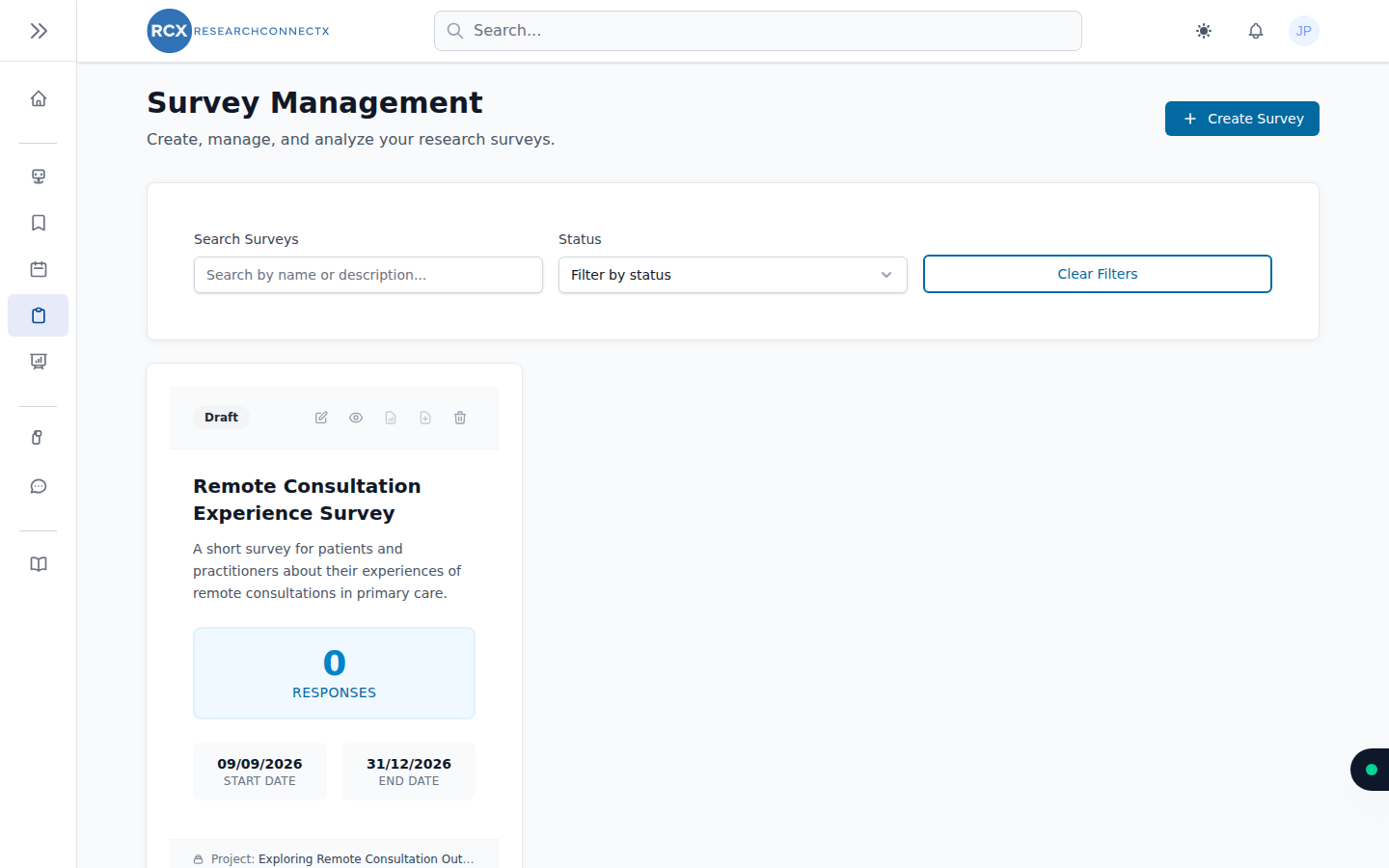
The Survey Management page (sidebar → Surveys) lists all your surveys.
Finding a survey
- Search — find surveys by name or description
- Status filter — narrow by publication status
- Clear Filters — reset the list
Survey actions
Each survey card lets you:
- View — open the survey's overview, analytics and responses
- Edit — return to the builder
- Publish / Unpublish — control whether it's collecting responses
- Export — download your data (see Results & analytics)
- Delete — remove the survey
Creating a survey
Two ways to start — both covered in Creating a survey:
- Quick Survey — build from ready-made question templates in seconds (also available from the dashboard)
- Full builder — a drag-and-drop designer for complete control
Taking part in surveys
Surveys aren't just for creating — you'll also be invited to respond to other researchers' surveys via Smart Matches (the Research Surveys tab) and public links. See Responding to a survey.