
Appearance
Team & membership
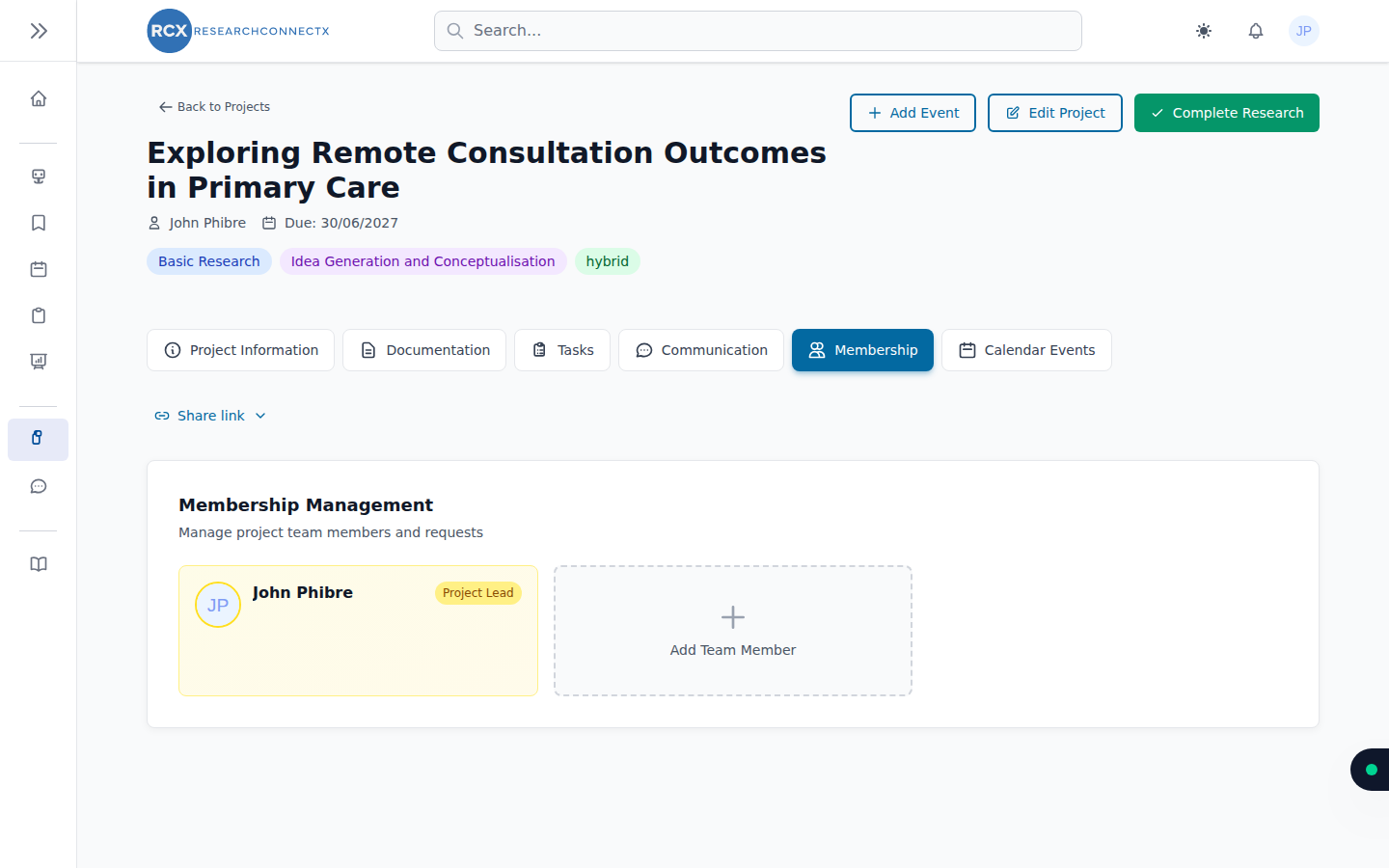
The Membership tab of a project is where the team is managed. What you see depends on your role — project leads have the full set of controls.
Inviting members
- Invite by email — enter a colleague's email and they receive an invitation (see Joining projects for what they experience)
- Invited users — track who you've invited and resend invitations (individually or in bulk)
- Join links — create a reusable link you can share anywhere. Links can be extended, regenerated or revoked at any time
Join requests
When someone requests to join, the request appears in the Membership tab (with a badge so you don't miss it). As a lead you can approve or decline each request.
Project chat
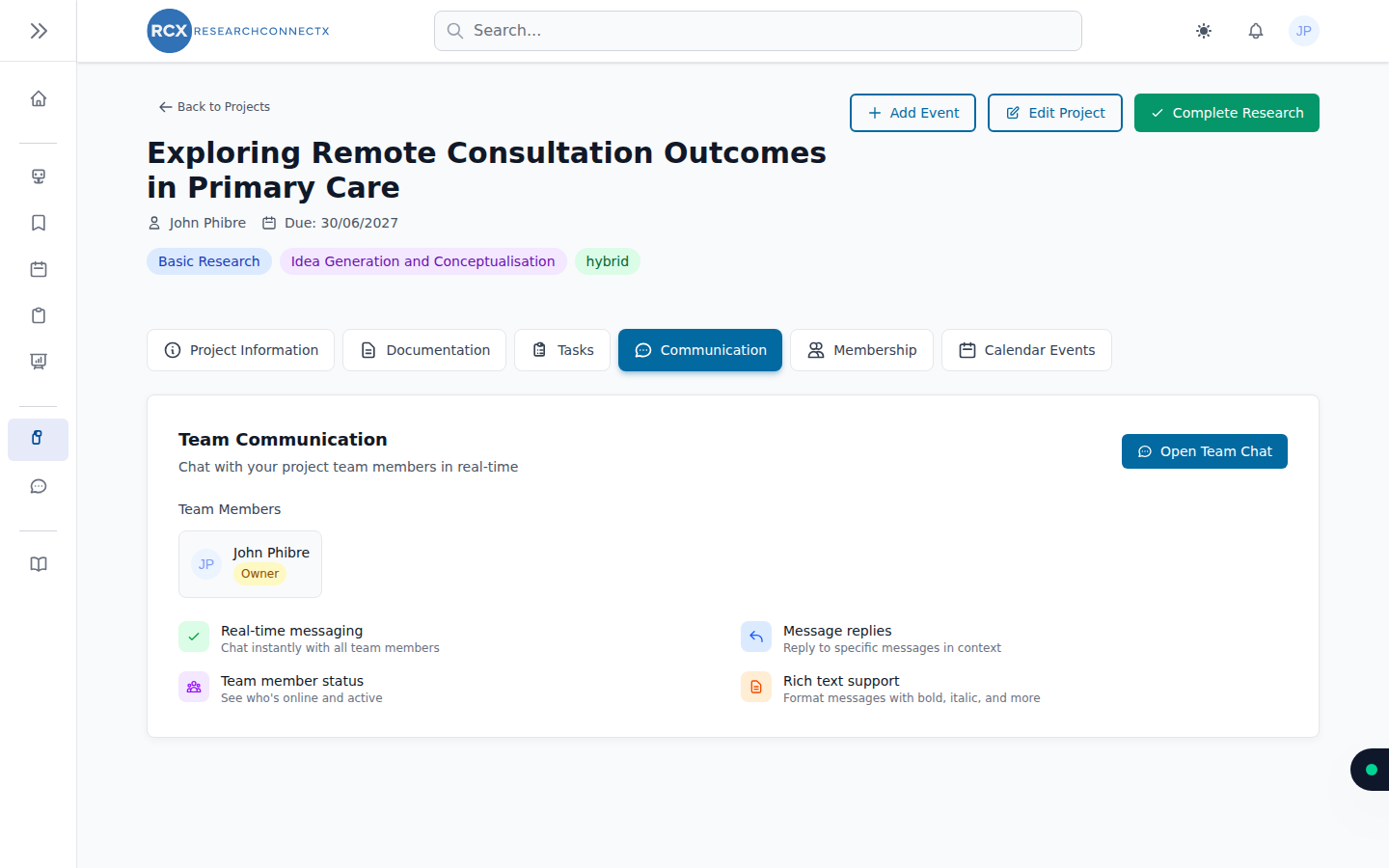
Every project has its own Communication tab — a group chat for the team, with real-time messaging, message replies and rich text. Project conversations also appear in your main Messages page under project conversations.
Roles and leaving
- Leave project — any member can leave from the Membership tab
- Remove member — leads can remove someone from the team
- Lead handover — stepping down? The lead can propose a handover to another member, who accepts or declines. The handover can also be withdrawn before it's accepted
Before you leave
If you're the project lead, hand over leadership first — otherwise the project can be left without an owner.