
Appearance
Calendar
The Calendar page (sidebar) brings all your research events together in one view.
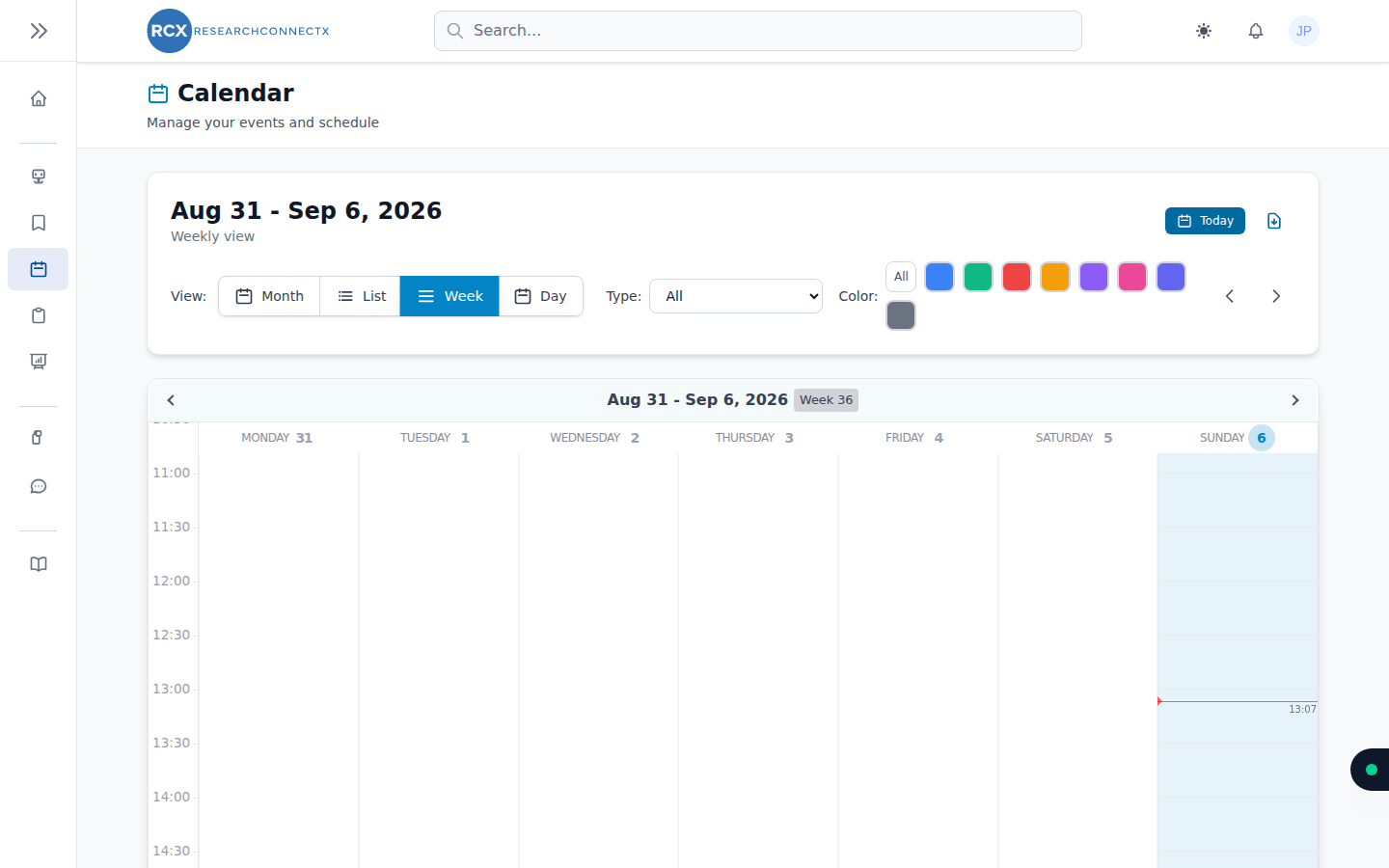
What's on it
- Personal events — anything you add yourself
- Project events — milestones and meetings from your projects
- Project tasks — tasks you've added to the calendar from the kanban board
- Conferences — events you've added from Smart Matches or the dashboard
Using the calendar
- Navigate by day, week or month and jump between date ranges
- Add a personal event — click a date and fill in the details
- Edit or delete your own events by opening them
- Filter to focus on specific event types
Exporting
Use Export to download your events (for example, to import into Outlook or Google Calendar). To keep things fast for everyone, exports are limited if you run them too frequently — if you hit the limit, wait a moment and try again.