
Appearance
Projects overview
Projects are where collaboration happens on ResearchConnectX — each one has its own details, documents, task board, team chat and calendar.
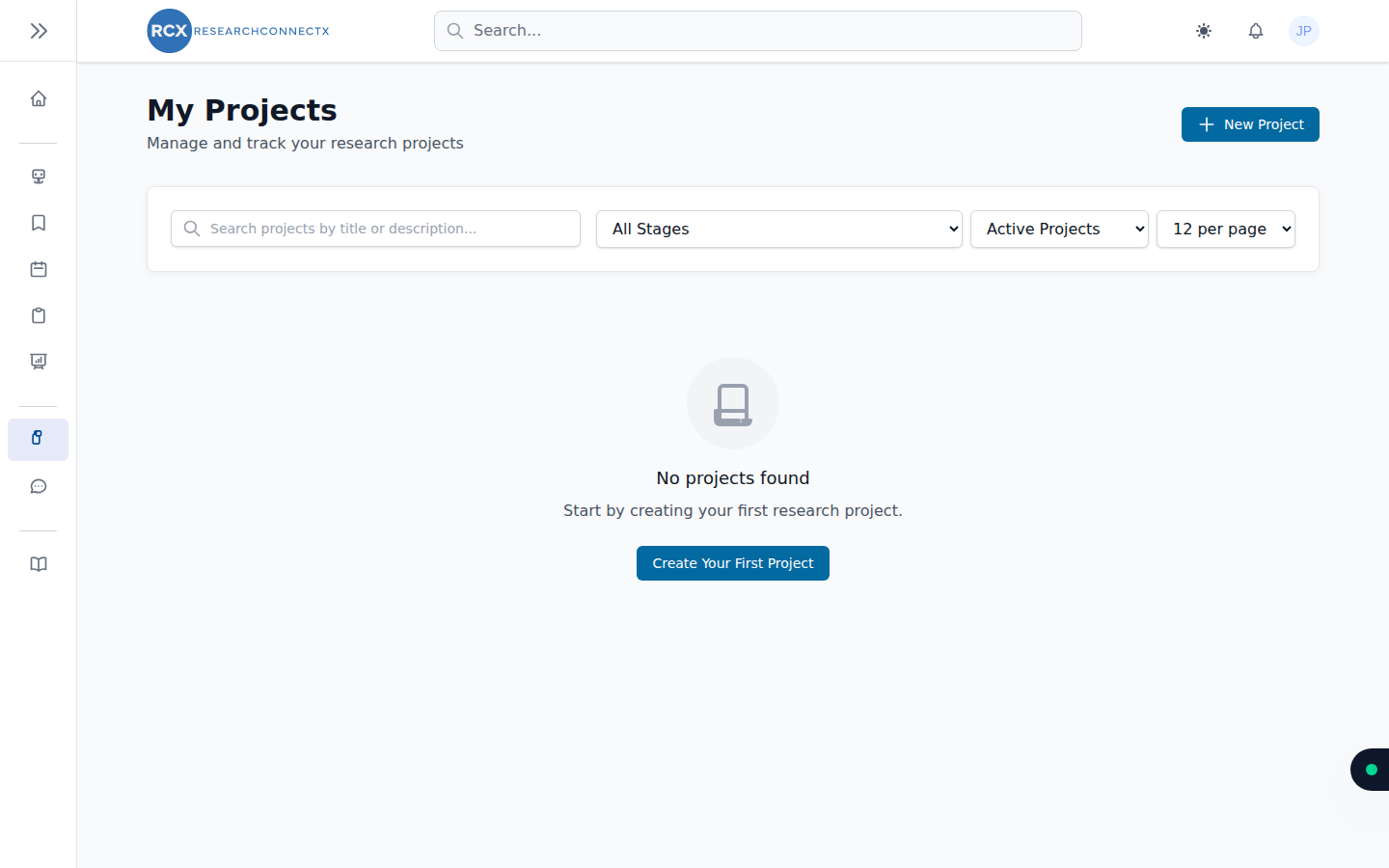
The My Projects page lists every project you own or belong to.
Finding a project
Use the tools above the list:
- Search — find projects by title or description
- Stage filter — narrow to a particular project stage
- Status filter — switch between Active Projects and archived ones
- Per-page selector — control how many projects are listed at once
Project actions
Each project in the list lets you:
- View — open the project workspace (details, documents, tasks, chat, calendar)
- Edit — change the project's details
- Archive — park a finished or paused project without deleting it
- Restore — bring an archived project back to active
- Delete — permanently remove a project (owners only)
Creating and joining
- New Project — start your own; see Creating & editing
- To join someone else's project, see Joining projects — via a join request, an email invitation, or a join link
The project workspace
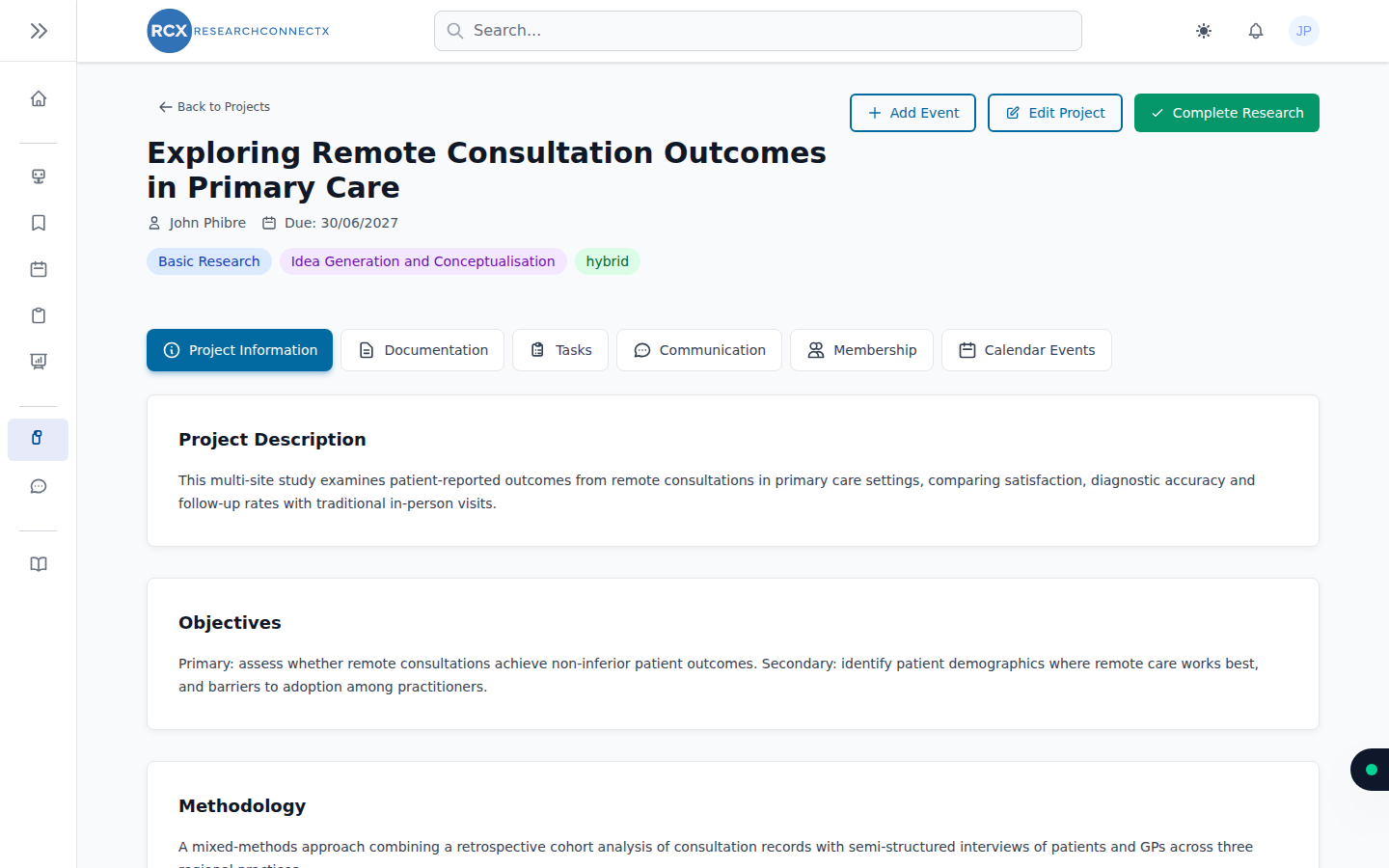
Opening a project reveals six tabs:
| Tab | What it's for |
|---|---|
| Project Information | Details, objectives, methodology, and completing the research |
| Documentation | Uploaded files and links to online documents |
| Tasks | The kanban board for tracking work |
| Communication | The project's group chat |
| Membership | Team management — invitations, join requests, roles |
| Calendar Events | Project events on the shared calendar |