
Appearance
Results & analytics
Open any survey from Survey Management to see its results. The header shows the live response count and quick actions: Edit, Publish and Export Data. The Survey Link panel on the right is where you copy the public link to share.
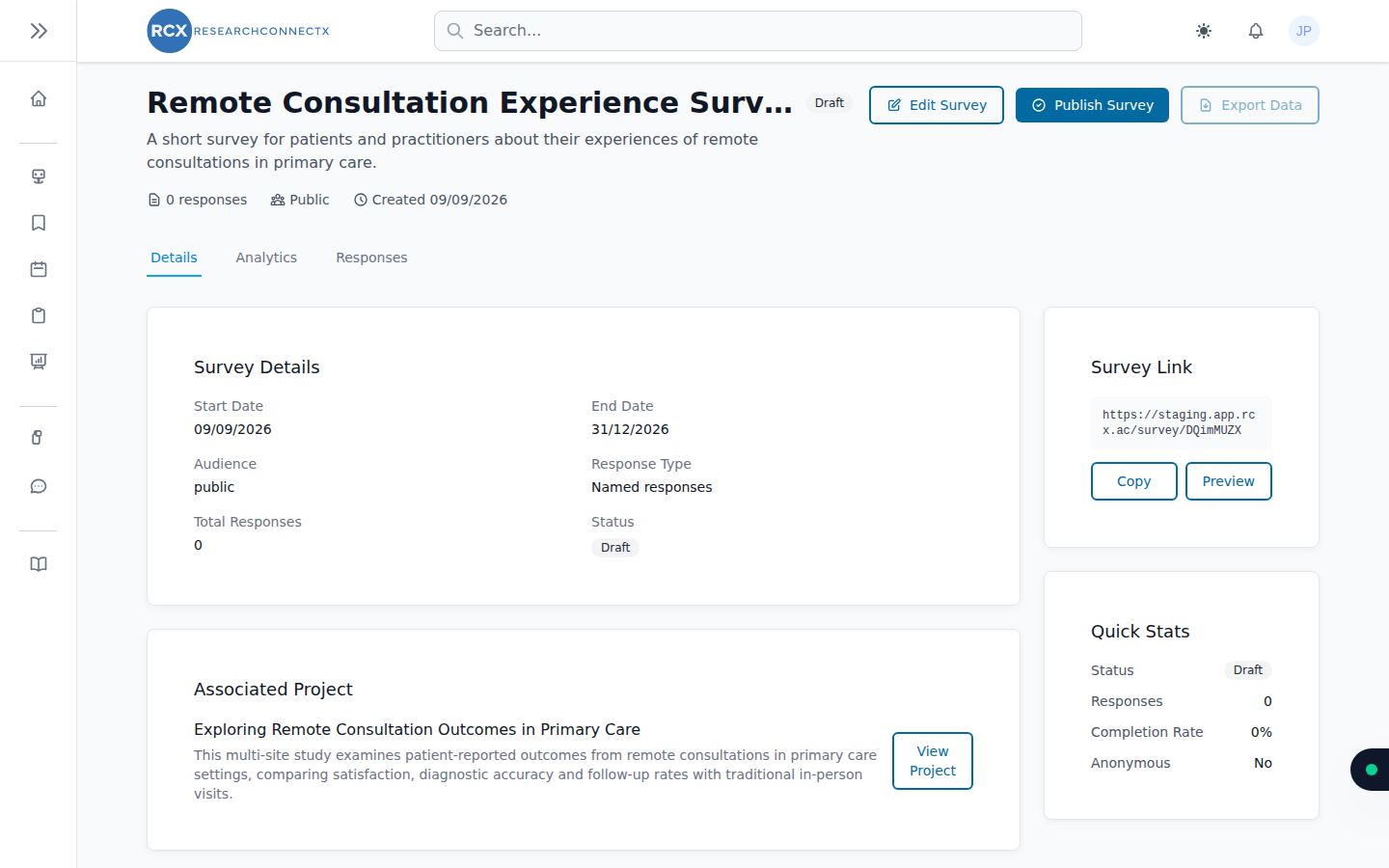
The three tabs
Overview
A summary of the survey: key stats, its status, and any project the survey is linked to.
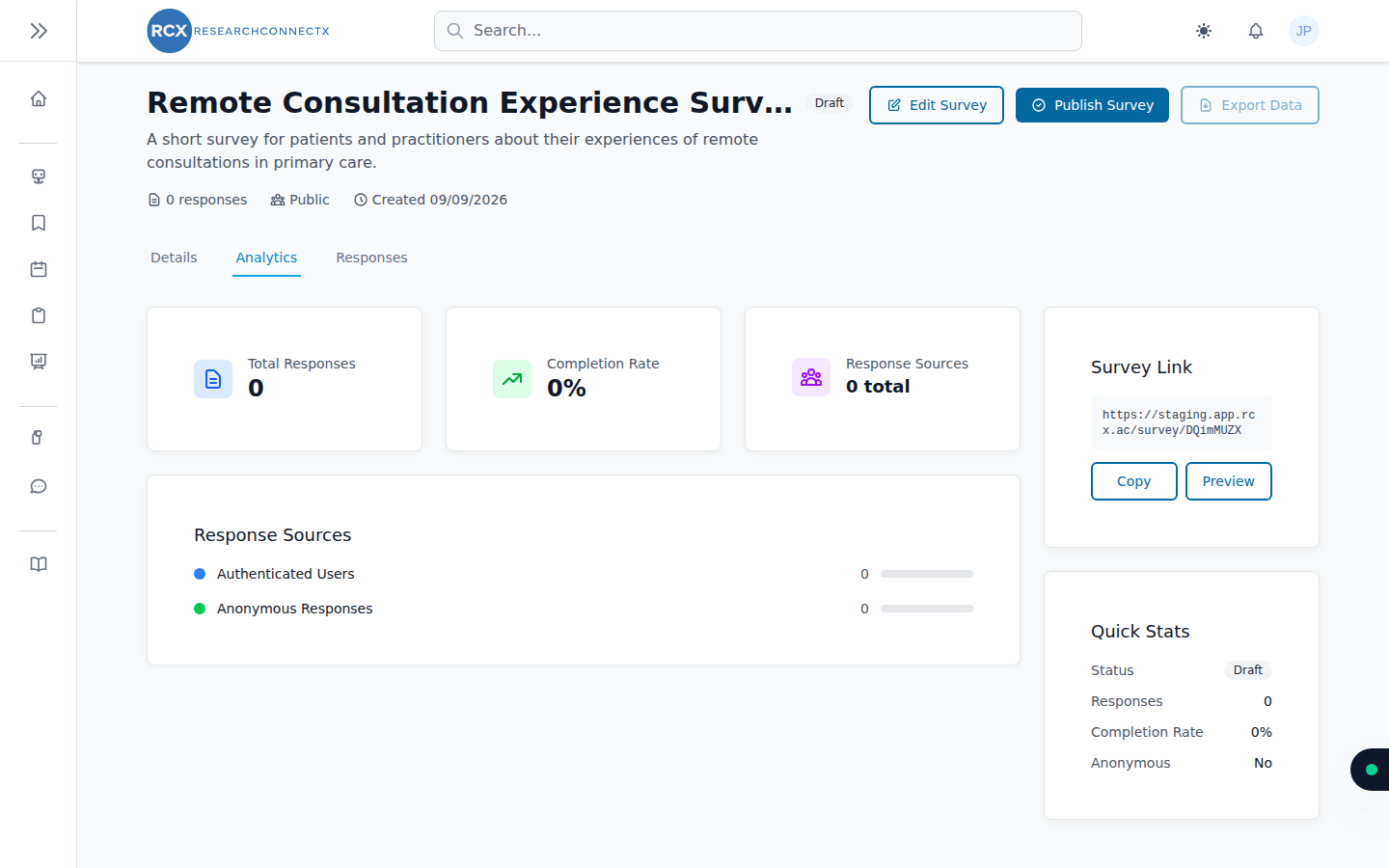
Analytics
Visual breakdowns of your responses:
- Total responses over time
- Completion rate
- Response sources — how people arrived: signed-in users, invited respondents, or anonymous (via the public link)
- Charts for each question
Responses
The individual submissions, so you can read through raw answers.
Exporting your data
Click Export Data to download your results:
- PDF report — a polished, shareable summary with charts
- CSV — raw data for Excel, SPSS, R or your analysis tool of choice
WARNING
Export is only available once the survey has at least one response.
What's next
- Need more responses? Re-share the public link and check your targeting specialities
- Done collecting? Unpublish the survey and export your final dataset