
Appearance
Responding to a survey
Surveys reach you in two ways:
- A public link — shared by the researcher (email, social media, anywhere). You don't need a ResearchConnectX account to respond.
- Smart Matches — surveys targeted at your specialities appear in the Research Surveys tab of Smart Matches.
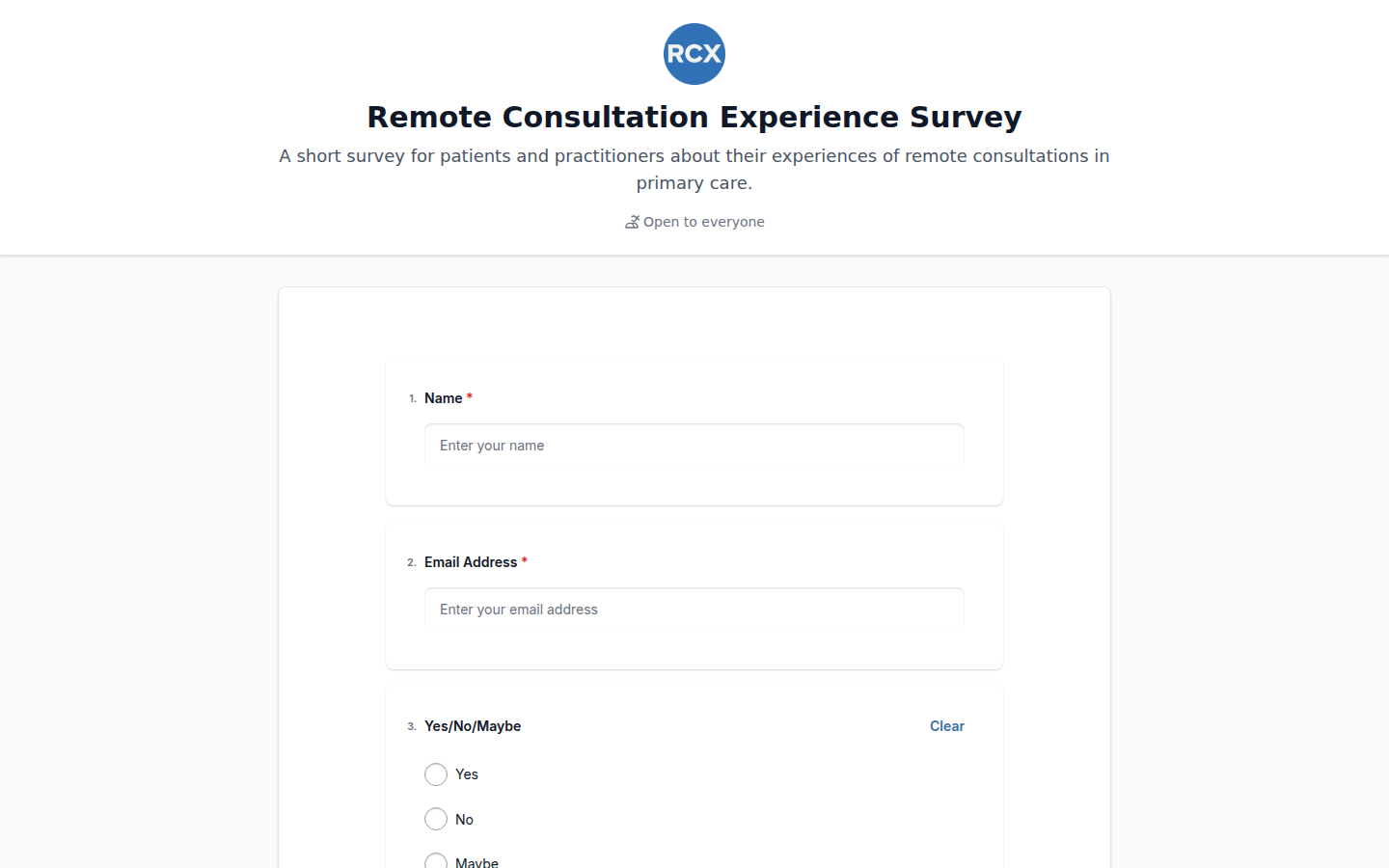
Taking a survey
- Open the link (or click through from Smart Matches).
- Read the title and description so you know what the research is about.
- Answer the questions and press Submit.
- You'll see a thank-you confirmation — that's it, your response is recorded.
One response per person
If you've already submitted, the page lets you know instead of showing the form again.
If a link doesn't work
Survey links can be unpublished or closed by the researcher. If you open a link and the survey isn't accepting responses, check with the person who shared it — they may have a newer link.
Your privacy
Survey owners can see response statistics and exports, and whether responses came from signed-in, invited or anonymous respondents. If you're concerned about a survey, contact the researcher who shared it.